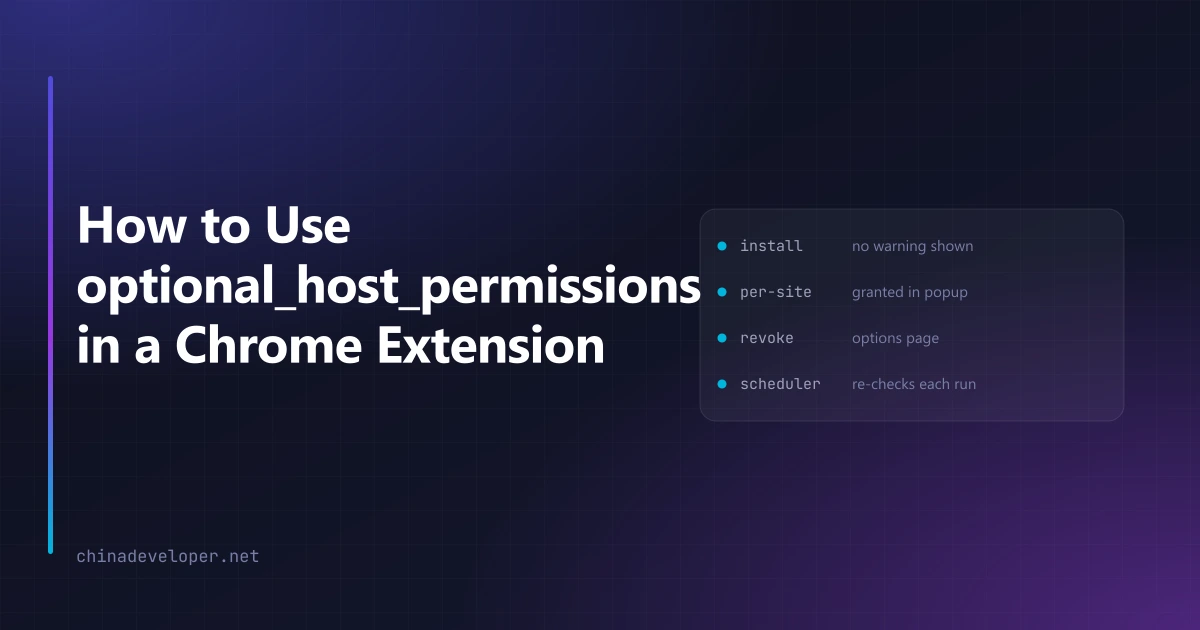
My page-monitoring extension can run on any site you are logged into. The obvious manifest for
that is "host_permissions": ["<all_urls>"], which produces an install warning reading "Read and
change all your data on all websites" and asks the user to accept it before they have seen the
product do anything.
It ships with optional_host_permissions instead, and the install warning is gone. Users grant
one site at a time, from inside the popup, after they have decided they want it there.
Declaring optional_host_permissions instead of host_permissions
The split in the manifest is the whole idea. host_permissions holds only what the extension
needs on first run — in my case its own backend and nothing else:
{
  "permissions": ["activeTab", "storage", "alarms", "notifications", "scripting"],
  "host_permissions": [
    "https://autorefresh.xeviora.com/*",
    "http://localhost:3002/*"
  ],
  "optional_host_permissions": ["http://*/*", "https://*/*"]
}
optional_host_permissions accepts the broad patterns precisely because they grant nothing at
install time. They declare what the extension is allowed to ask for later. You need
https://*/* in there if the sites are only known at runtime, which for this product they always
are.
The other half is that there are no declarative content scripts at all. Not one entry in
content_scripts. Every injection happens through chrome.scripting after a permission for that
specific origin has been granted. A declarative content script would reintroduce the install-time
warning you just removed.
Converting a tab URL into an origin pattern
chrome.permissions.request wants origin patterns, not URLs. A tab gives you
https://example.com/dashboard?tab=2; the API wants https://example.com/*:
/** Tab URL → the origin form chrome.permissions.request expects. */
export function originOf(url: string): string | null {
  try {
    const u = new URL(url)
    return u.protocol === "http:" || u.protocol === "https:" ? `${u.origin}/*` : null
  } catch {
    return null
  }
}
Returning null for anything else matters. Users will click your button on chrome://settings
and on a local file:// page, and neither can be granted.
Keep this in one function that both the request path and the check path call. Split it in two and you will eventually request one pattern, check for a slightly different one, and never notice.
The user gesture rule that will break your first attempt
This is the part that cost me an evening. chrome.permissions.request has to be called from a
real user gesture, and the gesture is consumed by the first await. Not by the first slow
operation — by the first await, however fast it resolves.
So this fails:
// Broken: the gesture is gone by the time request() runs.
async function onClick() {
  const [tab] = await chrome.tabs.query({ active: true, currentWindow: true })
  const granted = await chrome.permissions.request({ origins: [originOf(tab.url)] })
}
The fix is to have everything the call needs before the handler runs. I resolve the active tab
and its origin when the popup mounts, keep them in state, and the click handler goes straight to
request with no await in front of it:
// The origin was resolved on mount, so this is the first statement in the gesture stack.
function onEnable() {
  chrome.permissions.request({ origins: [origin] }).then((granted) => { /* … */ })
}
chrome.sidePanel.open behaves the same way, so if you open a panel and ask for a permission
from one click, both have to be arranged around this rule.
One consequence that is easy to miss: because the request must come from a gesture, it cannot live in the service worker. The worker can check, but the popup has to ask. My background script exposes a check over messaging and deliberately does not try to own the request:
// background: this is fine
return { granted: await chrome.permissions.contains({ origins: [message.origin] }) }
activeTab is not a substitute for this
The first thing people suggest is activeTab, and my manifest does list it. It is not the same
tool.
activeTab hands you access to the current tab, granted by the user clicking your icon, lasting
until that tab navigates. No install warning, no prompt. For a one-shot action it is the right
answer and you should prefer it.
It falls apart the moment the work outlives the click. A monitor has to keep reading a page after
the popup closes, on a timer, possibly for days. activeTab will be gone. So both live in the
manifest and they do different jobs: activeTab covers "check this page once, right now",
optional_host_permissions covers anything the alarm scheduler will come back to later.
Worth knowing before you design around it: the grant is per-tab and it does not survive a navigation within that tab. I have watched people try to build a watcher on it. It works in testing, because in testing you never leave the page.
Checking before every run, not once at setup
Permissions are revocable at any time from chrome://extensions, and users do revoke them. The
scheduler checks before each run rather than trusting a flag it wrote at setup time:
return await chrome.permissions.contains({ origins: [origin] })
If that comes back false, the job pauses and the UI says which site needs re-granting. The alternative — assuming a stored boolean is still true — produces a monitor that silently stops working, which is worse than one that stops loudly.
Give them a way to take it back
An options page that lists granted origins with a remove button is a small amount of work:
await chrome.permissions.remove({ origins: [origin] })
Users who can see what they granted and undo it grant more, not less. It is also the honest counterpart to asking in the first place.
What this bought me
The install warning disappearing is the visible part. Two others matter more.
Review outcomes improved. Broad host permissions invite reviewers to ask what you do with them. A weak answer becomes a rejection for unused permissions, and that costs a full review cycle. Asking for nothing at install removes the conversation before it starts.
It also composes with the other build-time habit I keep — the gate that scans the production bundle for remote code. Both exist so that a policy decision made once survives the version of me that is in a hurry next quarter.
And it turned into positioning. The closest competitor in my category monetizes by collecting the URLs and referrers of pages its users visit. An extension that holds no host permissions until you point it at a specific site cannot do that even if it wanted to, and saying so on the product page is a claim the manifest backs up.
Where it hurts
Per-site granting means a user with twelve monitored sites clicks Enable twelve times. There is no bulk grant, and I have not found a way to make the twelfth one feel reasonable.
If your extension genuinely needs to see every page the moment it is installed — an ad blocker, a password manager — this pattern does not apply and you should ask for what you need up front. For everything that operates on sites the user chooses, the deferred version is better on every axis I can measure, including the one where a reviewer reads your manifest and has no questions.