The first time an extension of mine was rejected for remote hosted code, I had not written a single line that fetched anything. The offending string came out of jsPDF, and it was sitting in my production bundle where I had never looked.
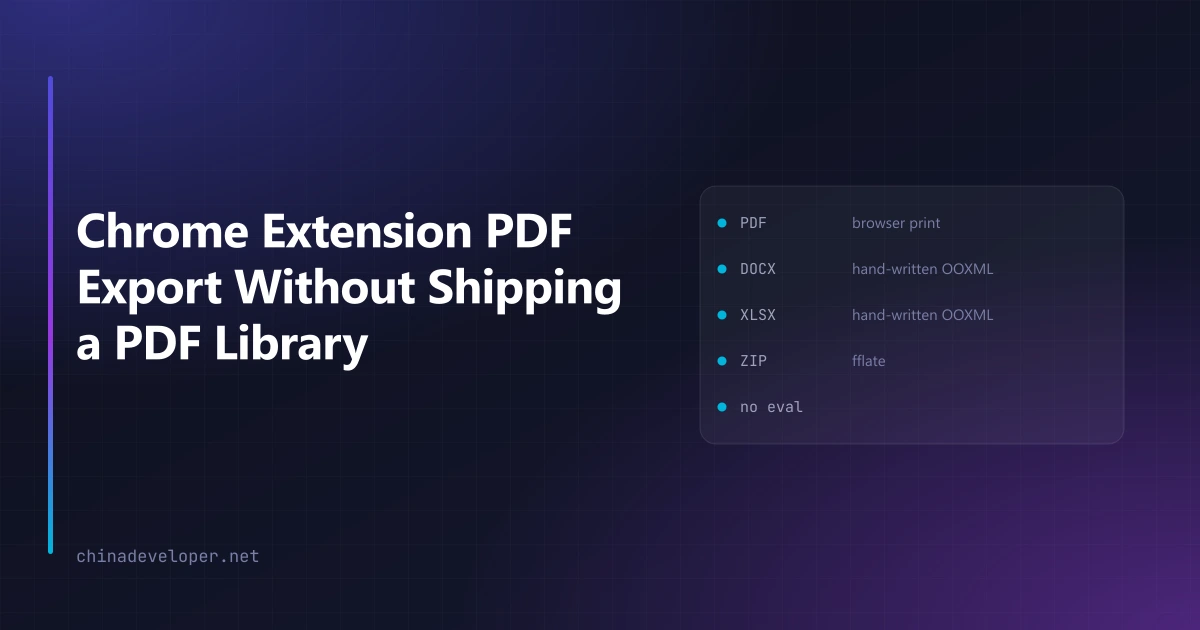
That rejection is why every Chrome extension PDF export I ship now goes through the browser's own print pipeline. No PDF library, no fonts to embed, and nothing in the bundle that Chrome's reviewers can point at.
What jsPDF puts in your bundle
Two strings, both of which Chrome Web Store review treats as remote hosted code:
<script src="https://cdnjs.cloudflare.com/.../pdfobject.min.js">
Function("return this")()
The first is a viewer helper. The second is a globalThis fallback for old runtimes. Neither
one runs in an extension. Both are static text in the built file, and static text is what a
reviewer greps for.
There is no configuration flag that removes them. They are in the library.
Why a Chrome extension PDF export should not use jsPDF anyway
Set the review problem aside for a moment. Two other things made the decision easy.
Fonts. jsPDF renders Latin text out of the box and nothing else. Any other script needs a TTF embedded in your bundle. One competitor in my category ships a megabyte of font data for this and Chinese, Japanese, Korean and Arabic still come out as boxes. My extension has a 27-language interface; shipping a PDF exporter that only handles English would be absurd.
Fidelity. Tables, inline images and right-to-left text all have to be reimplemented against the library's layout model. The browser already has a layout engine that does this correctly and that your users have already seen render the page.
Printing instead
The whole exporter is: build an HTML document, put it in a hidden iframe, call print().
export function buildPrintableDocument(threads: Thread[], opts: PrintOptions): string {
  const single = threads.length === 1
  const title = opts.documentTitle ?? (single ? threads[0]?.subject || "(no subject)" : `${threads.length} conversations`)
  // …assemble one <html> string with a @page rule for A4/Letter/Legal
}
Keeping the document builder a pure function that returns a string is worth doing. It means the export path is testable without a browser, and I can render the same string into a preview pane.
Page size is a CSS @page rule, not an API argument, so supporting three sizes is a lookup table:
const PAGE_CSS: Record<PageSize, string> = { a4: "A4", letter: "Letter", legal: "Legal" }
The one option that earns its place in the UI is an image toggle. Long email threads carry signature logos and tracking pixels that inline as base64 and dominate the output size. Turning images off cuts a forty-message export down dramatically, and for an archive most people want the text anyway. That is a two-line change here. Under a PDF library it would mean intercepting the image pipeline.
The cost is honest and worth stating: the user sees the system print dialog and has to pick "Save as PDF". You cannot produce a file silently this way.
That constraint pushed the batch design somewhere better. Competitors loop over selected items and open a dialog per item, which is unusable past three. Because my exporter takes an array and returns one document, exporting forty conversations opens one dialog and produces one PDF with all forty in it. The limitation made the feature better than the version I would have built with a library.
DOCX and XLSX are just ZIP files
Word and Excel documents are more approachable than they look. A .docx is a ZIP with a handful
of XML files at fixed paths. Nothing else.
I already had fflate in the bundle for other ZIP work — it has no eval and no dynamic code
paths, so it survives review. Adding both Office formats therefore added zero dependencies:
import { zipSync, type Zippable } from "fflate"

const enc = new TextEncoder()
For comparison, exceljs is over 900 KB in a production bundle, and my export needs maybe five
percent of what it does. The XML is string concatenation.
The control character that breaks Word
This one took an afternoon to find, and I would not have guessed it.
Email bodies contain control characters. Vertical tab (\x0B), substitute (\x1A), and friends
turn up regularly in automated notification mail. XML 1.0 does not permit them. If one reaches
document.xml, Word refuses to open the entire file and reports that the content has a problem —
with no indication of which message caused it or where.
So the escape function strips them before it does anything else:
export function xmlEscape(input: string): string {
  return (input ?? "")
    .replace(/[\x00-\x08\x0b\x0c\x0e-\x1f\x7f]/g, "")
    .replace(/&/g, "&")
    // …and the other four entities
}
Dropping those characters loses nothing a reader wanted. Keeping them costs the user their entire export with an error message that explains nothing.
A build gate so it cannot come back
Knowing the rule is not the same as enforcing it. Six months from now, someone in a hurry — quite possibly me — will install a library that solves a problem in five minutes and reintroduces the string that got the extension rejected.
So the build fails instead. A script walks the production output and scans every .js file:
/** Function constructor / eval — static presence is a violation. */
const DYN_CODE = /(^|[^.\w$])(new\s+Function|Function|eval)\s*\(/m

/** Remote script references. */
const REMOTE_REF = /https?:\/\/[^\s"'`]+\.(?:js|mjs|wasm)\b|cdnjs\.cloudflare|unpkg\.com|jsdelivr\.net/
For a few known-unreachable patterns it rewrites rather than fails, since the code path is dead either way:
const SAFE_REWRITES = [
  ['Function("return this")()', "globalThis"],
  ["Function('return this')()", "globalThis"],
]
Anything else stops the build. In normal operation this gate finds nothing at all — which is the point. It is not a scanner, it is a tripwire, and it fires at build time rather than three business days into a store review.
Two caveats if you write your own. Exclude sourceMappingURL comments from the remote-reference
check — those legitimately contain .js URLs and will give you a false positive on your first
run. And point the walker at every target you actually ship: mine scans both
build/chrome-mv3-prod and build/edge-mv3-prod, skipping whichever one was not built, because
the Edge bundle is the one I forget to check by hand.
What I would do differently
For a straightforward document — text, a table, some images — printing is better than a library in every dimension I care about. Smaller bundle, every language works, no review risk.
Where it genuinely does not fit is precise page control: exact placement at coordinates, embedded fonts you must guarantee, or generating a file with no user interaction at all. If you need those, you need a library, and you should budget review time for arguing about what is inside it.
I have not had to make that trade yet. The screenshot tool that got rejected over jsPDF ships multi-page PDF export through the print path today, and no reviewer has asked about it since.